AI
Self-Service Analytics Solutions: Buyer Guide
Discover how to evaluate self-service analytics solutions with this buyer guide covering key features, challenges, and best practices for enterprise teams.

What is a self-service analytics solution
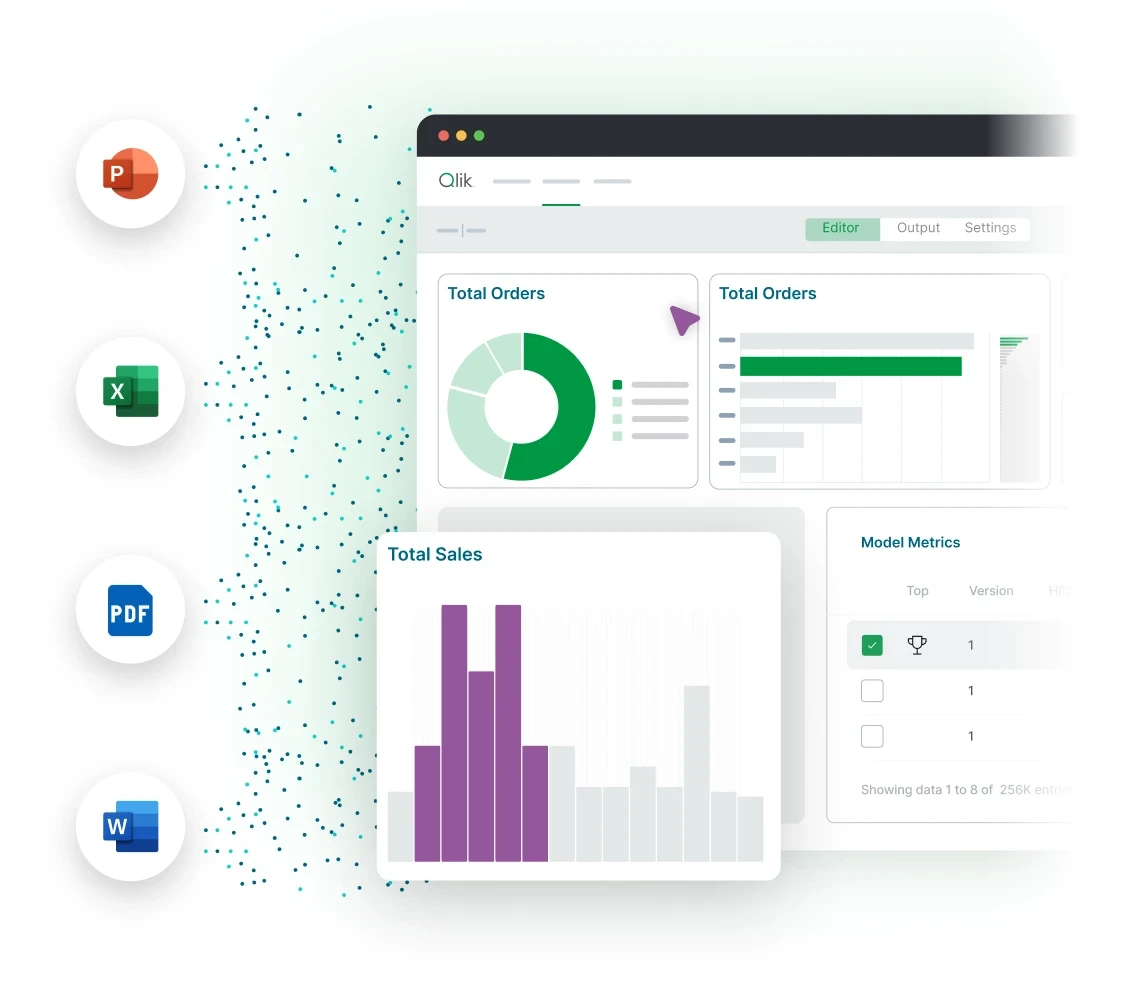
A self-service analytics solution is a business intelligence tool that allows business users to access and analyze data without constant help from IT. Traditional BI tools often require data engineers to write every query or create every report. This creates bottlenecks in the decision-making process.
Modern self-service analytics tools provide a user-friendly interface. People use a drag-and-drop interface to visualize data and perform ad hoc analysis. This allows the entire organization to move from manual reporting to a data-driven culture.
Why self-service analytics matters for enterprise teams
Enterprise teams deal with massive amounts of complex data stored in cloud data warehouses. Relying on a small team of data professionals to handle every request is no longer sustainable. Self-service analytics allows business teams to explore data independently.
When more people can query data and find insights, the speed of business increases. It reduces the burden on data analysts and data professionals. This shift supports a culture where every choice is backed by reliable data.
Key capabilities to evaluate in a self-service analytics solution
Choosing the best self-service analytics solution requires a focus on specific technical capabilities. These features distinguish enterprise-grade solutions from simple visualization tools.
Data connectivity and integration
The solution must connect to many data sources. This includes cloud data warehouses, legacy data systems, and external datasets. A strong data integration layer makes sure that users work with accurate information.
Associative exploration and pattern discovery
Natural language queries and AI-powered insights
Natural language processing allows non-technical users to ask questions in plain English. Automated insights help surface trends that a human might not see. This makes augmented analytics accessible to everyone.
Collaborative dashboards and version control
Types of self-service analytics architectures
Architectural fit varies based on your data environment.
Centralized architectures: IT manages all data prep and data modeling. This provides high control but can slow down business users.
Distributed architectures: Individual departments manage their own data systems. This increases speed but can create data silos.
Hybrid architectures: A mix of both styles. This provides governed data foundations while allowing for flexible data exploration.
Most large organizations find that a hybrid model is the right foundation. It balances data security with the need for self-serve analytics.
How to build a buyer evaluation framework
A structured framework helps you compare different analytics solutions.
Scalability: Can the software handle your largest datasets and hundreds of multiple users?
Ease of use: Is the interface intuitive for people without a technical background?
Governance: Does it provide role-based access and clear data lineage?
Integration depth: How well does it work with your existing Microsoft ecosystem or Google Cloud?
Total cost of ownership: Consider the cost of training, maintenance, and per-user licenses.
Common challenges when adopting self-service analytics
Many organizations face hurdles during adoption. A steep learning curve can prevent people from using new self-service BI tools. If the software is too difficult, people will return to using Google Sheets.
Data silos are another common problem. If departments use different metric definitions, it leads to confusion. You must also address the gap in technical expertise. Providing the right training helps staff feel comfortable using advanced features.
Address governance and security considerations for self-service BI
Opening data access requires solid data governance. Organizations must protect sensitive data to meet regulatory requirements.
Role-based access and data security
Control who can see specific data points within the entire organization. This protects customer privacy and proprietary business data.
Data lineage and data quality
Users must trust the data they see. Data lineage shows where information originates and how it changed. Maintaining high data quality is a requirement for any successful AI analytics solution.
How Qlik enables self-service analytics
Qlik provides a modern approach to self-service. The software uses a unique analytics engine to show how data points connect across your entire data architecture.
Qlik Cloud Analytics features an intuitive interface that supports non-linear exploration. It includes AI-assisted insights to help business users visualize data quickly. Qlik also supports governed self-service so that everyone works with a single source of truth. By using Qlik Cloud Analytics, organizations can scale their efforts across cloud and on-premises systems.
Best practices for selecting and deploying a solution
Success depends on a clear strategy.
Start with a pilot: Test the software with a small team before a full rollout.
Focus on data modeling: Build a solid shared data model to define key business metrics.
Prioritize user training: Help non-technical users understand how to ask natural language queries.
Establish clear governance rules: Set the boundaries for data access early in the process.
Following these practices helps organizations achieve a faster payback period. It makes the transition to a data-driven culture much smoother.
Self-service analytics use cases across industries
Different departments use self-service analytics to solve specific problems.
Sales: Teams track pipeline health and identify market trends without waiting for a data analyst.
Finance: Analysts use predictive analytics for cash flow projections and ad hoc analysis.
Marketing: Managers use interactive dashboards to track campaign performance across multiple channels.
Supply Chain: Professionals optimize inventory levels using data from cloud data warehouses.
Future trends shaping self-service analytics solutions
The future of self-service moves toward agentic systems. We will see more use of AI agents that can build reports and execute tasks independently. This will further reduce the need for technical expertise.
The rise of embedded analytics solution technology will put insights directly into daily work apps. Users will no longer have to switch between different tools to find answers. This integration will drive even higher productivity across every industry.
Conclusion
Choosing the right self-service analytics solution is a strategic step for any modern business. It changes how your team interacts with data. By focusing on governance, ease of use, and AI-powered insights, you can find the real value in your enterprise data.
Start your journey today by evaluating your data readiness. The right software will help your organization thrive in the age of intelligence.
In this article:
AI